AVAILABLE FREE
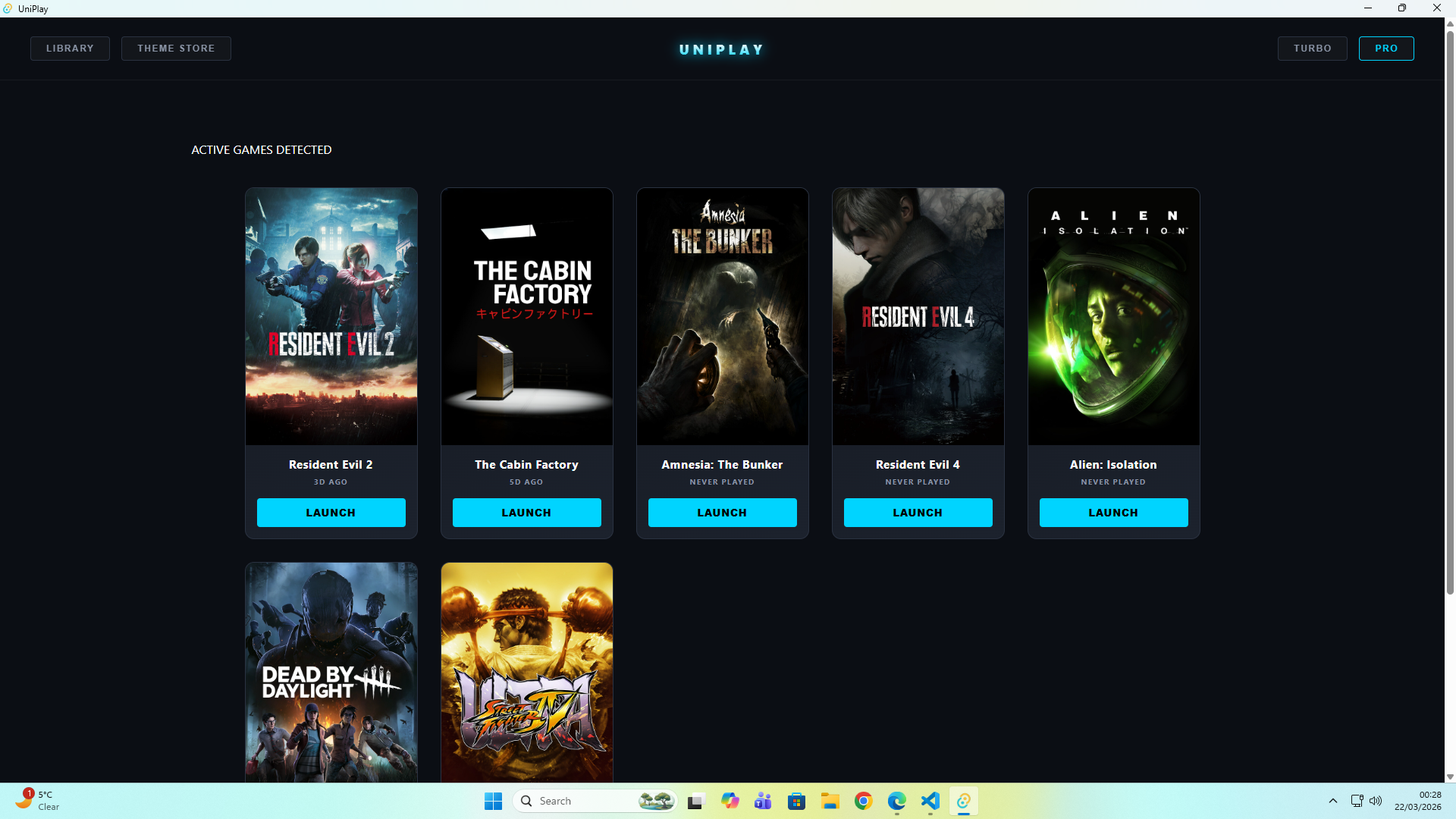
A lighter system. A cleaner game.
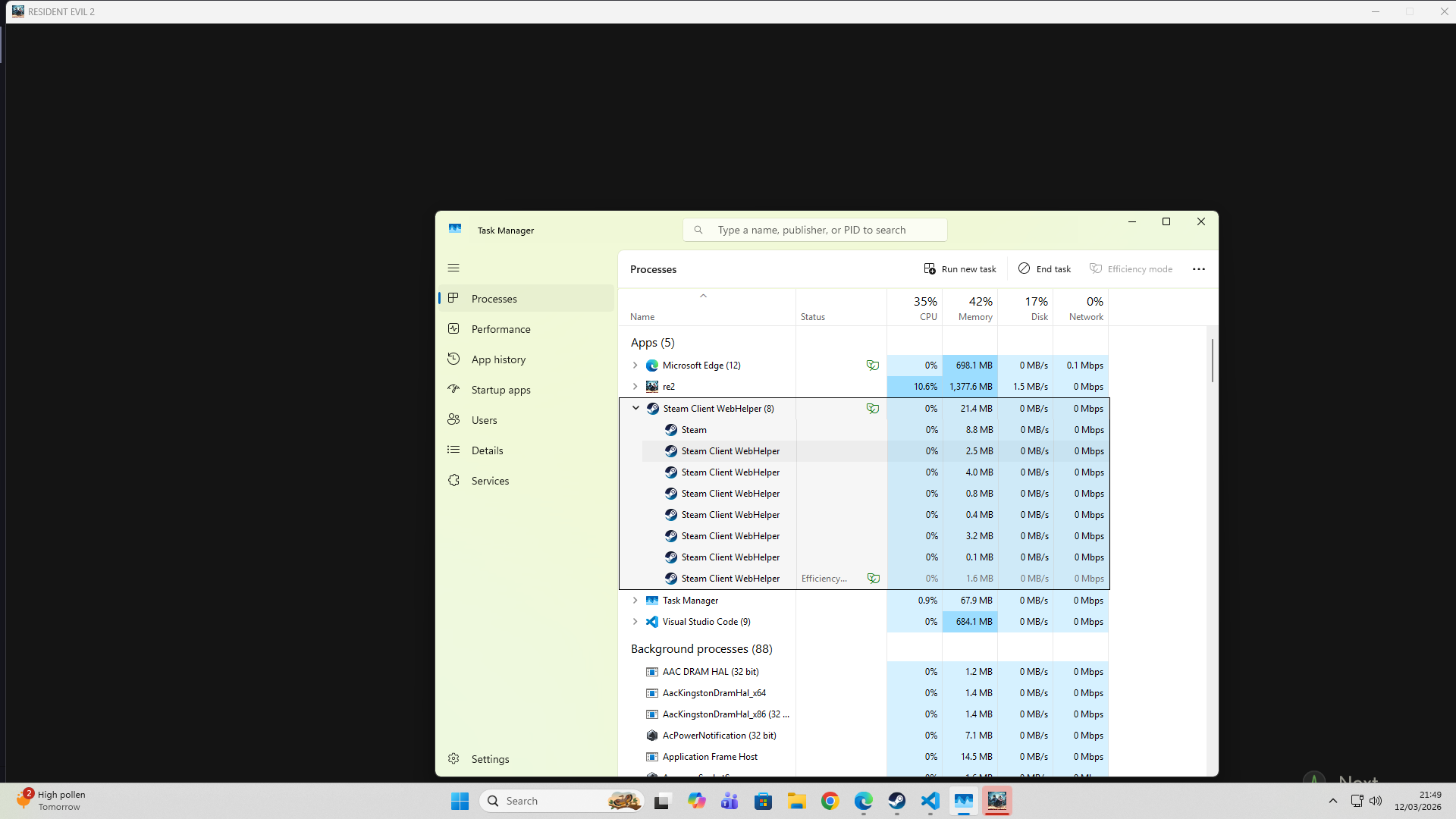
UniPlay is built with Rust and Tauri. When you launch a game, UniPlay tells Windows to move idle background processes — Steam helpers, Discord, Spotify — out of physical RAM and into the pagefile, freeing up real memory for your game.
Manual Turbo Flush: Press the Turbo button anytime during a session to instantly clear idle background processes from RAM. Free users get Steam trimmed. Pro users get Discord, Spotify and NVIDIA cleared too. You're always in control — UniPlay only acts when you tell it to.
Other tools close your apps. UniPlay just moves them out of the way.
What this means in practice: Moving idle background processes out of physical RAM gives your game more breathing room on launch. Whether you feel the difference depends on your system, your RAM, and the game — we don't promise miracles. What UniPlay does guarantee is an honest measurement of exactly how much memory was moved, logged in your session ledger. You can verify it yourself in Task Manager. The numbers will match.
Unified Feature Parity
Full access to UniPlay on a flexible monthly basis. Includes the Advanced Ledger with full session history, Per-Game Settings, and Balanced Mode. Cancel anytime.
Everything in monthly, one annual payment. The best value for anyone who wants UniPlay running long term.
*Both tiers provide identical access to all Pro features.
v1.0.0 — INITIAL RELEASE
UniPlay is live. Free tier includes Steam trimming and Turbo Button. Pro adds the Advanced Ledger, Balanced Mode, and Per-Game Settings.
SUPPORT
supportuniplay@gmail.com